
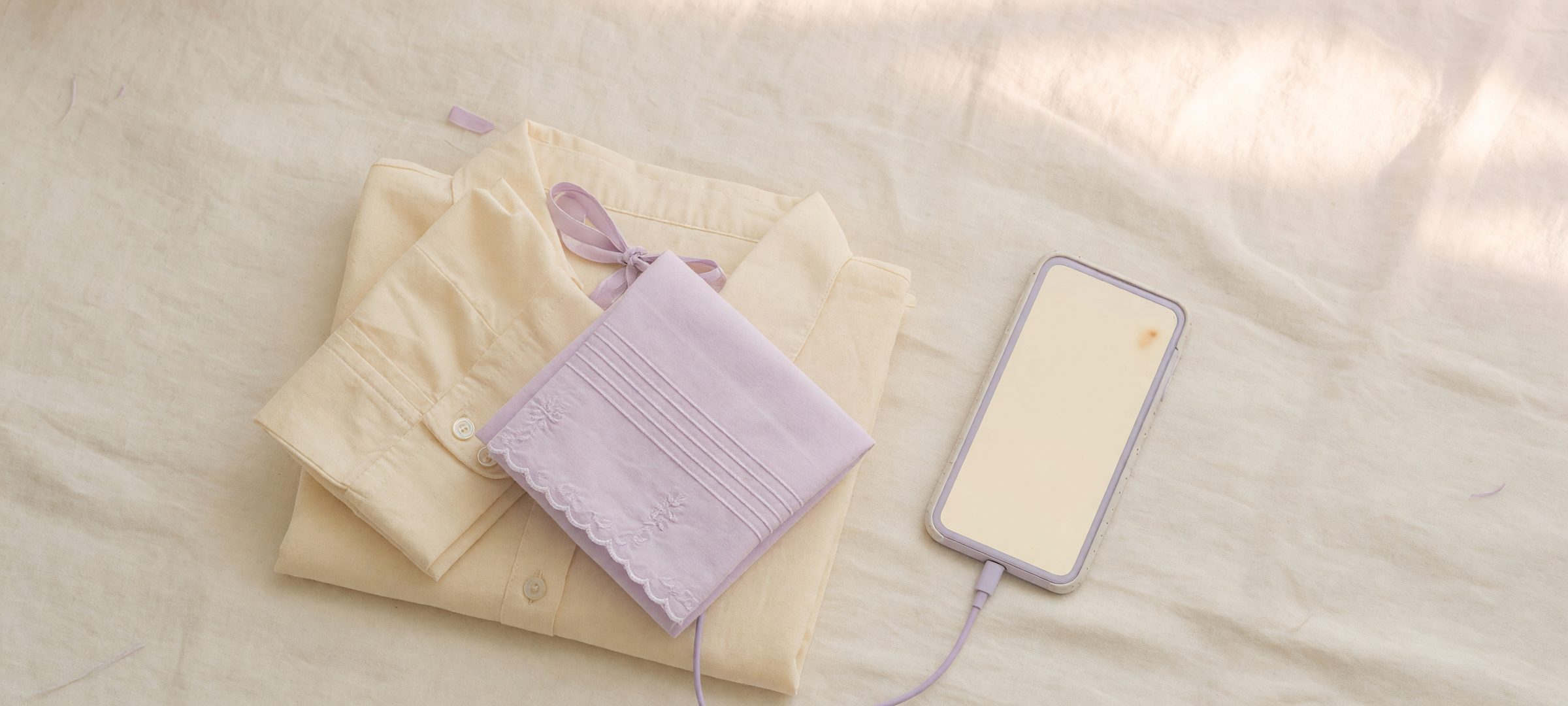



01
Add a shopper photo
Shoppers upload an image or use their camera without leaving the product page.

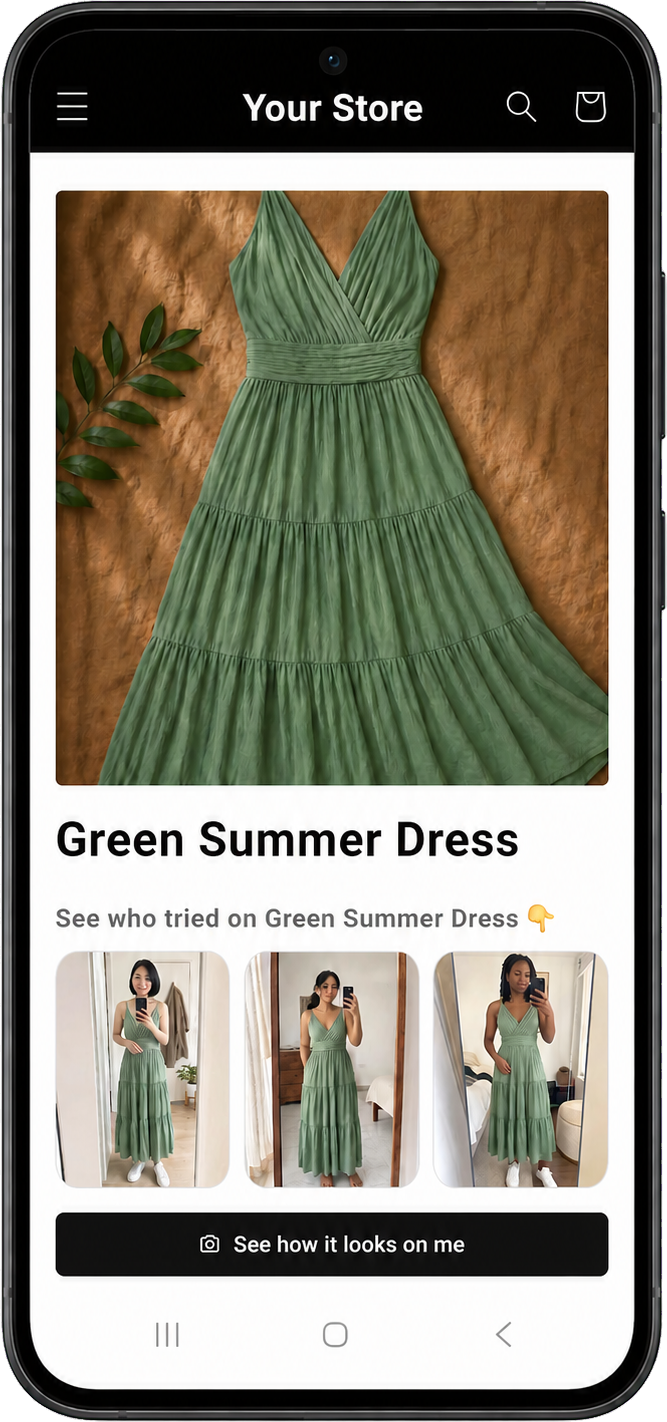
AI virtual try-on for Shopify merchants
Add a customizable Try It On experience to your product pages. Capture high-intent leads, understand what shoppers love, and measure revenue from try-on-assisted purchases.
The shopper journey
Make the product easier to imagine without sending shoppers to another page or breaking the path to purchase.
Shoppers upload an image or use their camera without leaving the product page.
Prehook creates an AI-generated preview using the selected product and variant.
The result stays connected to the product so shoppers can react, share a link, or add it to cart.
More than an image generator
Prehook connects shopper visualization to the product, the lead, the behavior, and the order. The experience is useful on both sides of the storefront.
Keep each try-on tied to a purchasable product and variant, with a direct route to add it to cart.
Choose when to ask for email, keep marketing consent separate, and export your lead data as CSV.
Understand likes, dislikes, shares, product interest, and purchase activity across the try-on journey.
Track orders and revenue attributed to recent try-on activity without confusing attribution with causation.
Built for your storefront
Control where it appears, how it looks, and when shoppers are asked to share their email.
Green Summer Dress
$128.00Broad catalog coverage
Create AI-generated previews across everyday apparel and selected fashion and accessory categories.
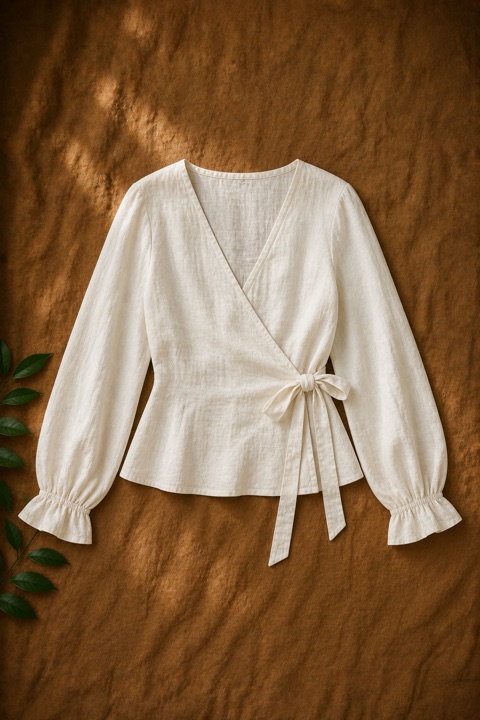
Tops, bottoms & one-pieces
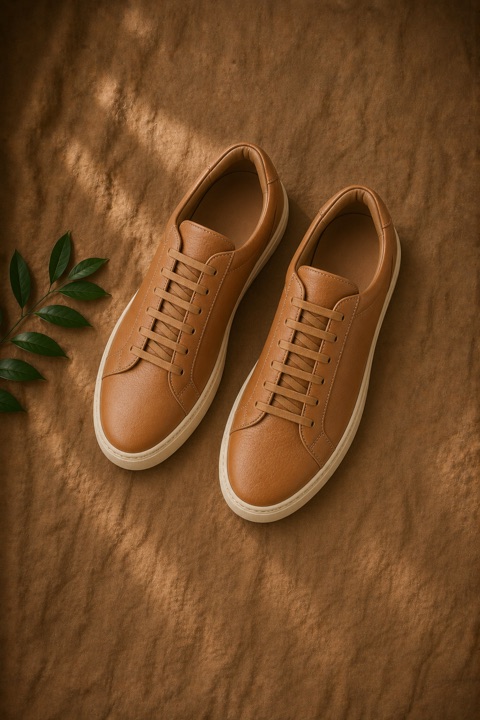
Selected footwear styles
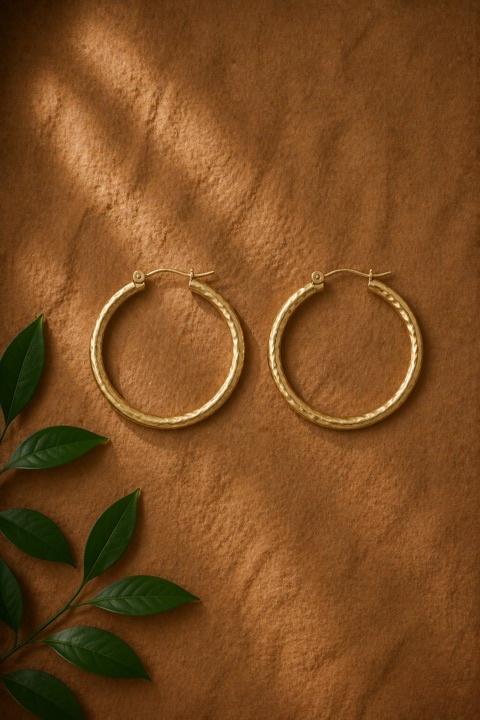
Selected jewelry styles

Selected accessory styles
Category coverage and result quality vary with the source images, product type, pose, and lighting.
Lead capture, CRM & attribution
Capture product interest, send rich behavioral events to Klaviyo, and connect recent try-on activity to matching orders.
Marketing subscription remains a separate shopper opt-in. CRM activity does not block the shopper’s storefront action.
Preview pricing
All plans include the core virtual try-on workflow and a monthly try-on allocation.
Free
Upgrade for additional try-ons
Starter
$0.17 per additional try-on
Growth
$0.10 per additional try-on
Pro
$0.08 per additional try-on
Preview pricing is shown for planning purposes while production billing and public plan copy complete final approval. Paid plans use a 30-day Shopify billing period.
Designed with control in mind
Email verification, marketing opt-in, and photo-sharing permission are treated as distinct choices.
Choose product availability, daily usage limits, email timing, appearance, and publishing controls.
Staff screening and merchant controls help keep shopper-look galleries intentional and reviewable.
Frequently asked
It adds virtual try-on to Shopify product pages. Shoppers upload or take a photo, preview the current product on themselves, and can move directly toward sharing a product link or adding the product to their cart.
Yes. The try-on experience follows the currently selected variant and uses its product image and commerce details when available.
You can enable all products, selected products or variants, or entire collections. Automatic catalog detection handles most products, with manual rules available for edge cases.
AI virtual try-on supports everyday apparel such as tops, bottoms, and one-pieces, along with selected jewelry, footwear, hats, bags, and accessories. Results vary with product and image quality.
Not for the basic try-on experience, unless you choose to require an email before the first try-on.
Yes. You can change its label, icon, colors, border, radius, font, size, alignment, width, window format, and approved-look gallery styling. Advanced custom CSS is also supported.
Yes. Turn email collection off, ask after a selected number of try-ons, or require an email before the first try-on. Marketing subscription is controlled by a separate shopper opt-in.
Prehook can enrich shopper profiles with product interest, likes, dislikes, shares, add-to-cart activity, purchases, and attributed revenue. It also sends six behavioral events across the try-on journey.
Yes. Prehook records recent try-on and add-to-cart context and attributes matching checkout line items within a 24-hour window. The dashboard reports attributed orders and revenue.
No. Prehook creates an AI-generated visual preview. It does not calculate body measurements or guarantee exact garment sizing and fit.
Available now for Shopify
Bring AI virtual try-on, high-intent shopper data, and measurable commerce context together on your Shopify store.
Loading secure signup form...